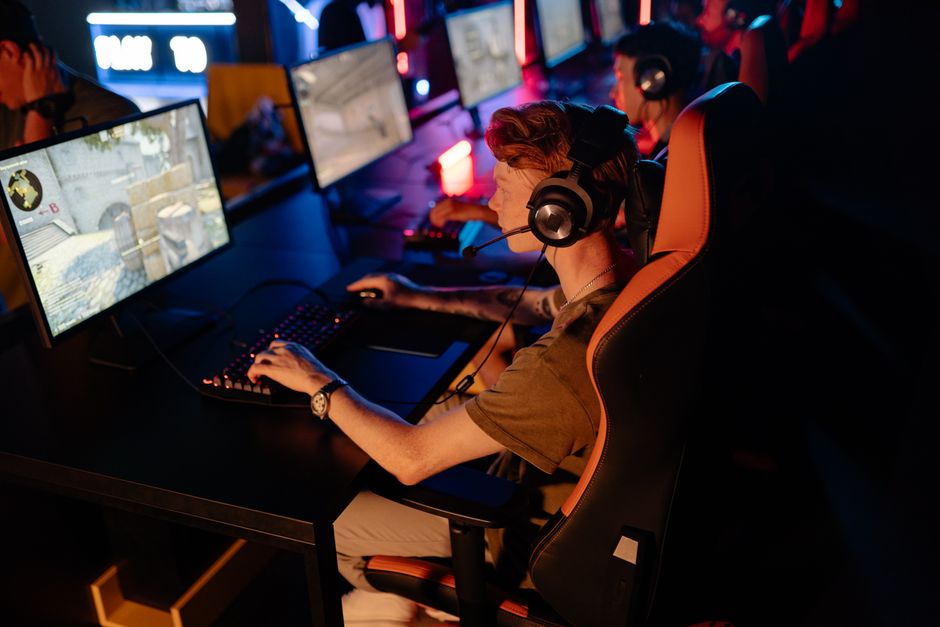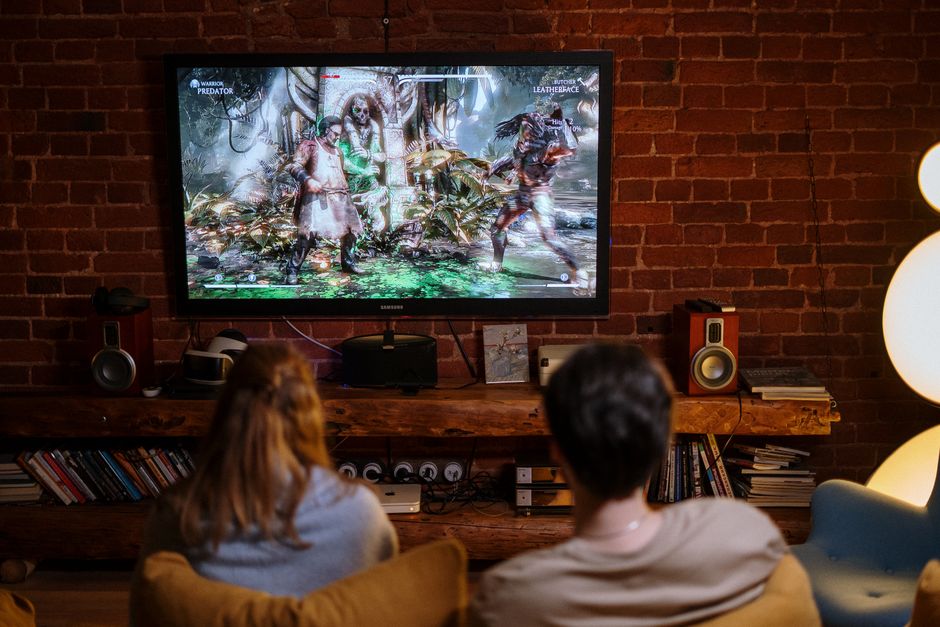

In the world of gaming, the performance of your computer can significantly influence your experience. Whether you are a casual player or a hardcore enthusiast, building your own gaming PC allows for customization and performance optimization that pre-built systems often cannot match. This article will guide you through the essential steps and considerations for creating a gaming PC that meets your specific needs.
Understanding Your Needs
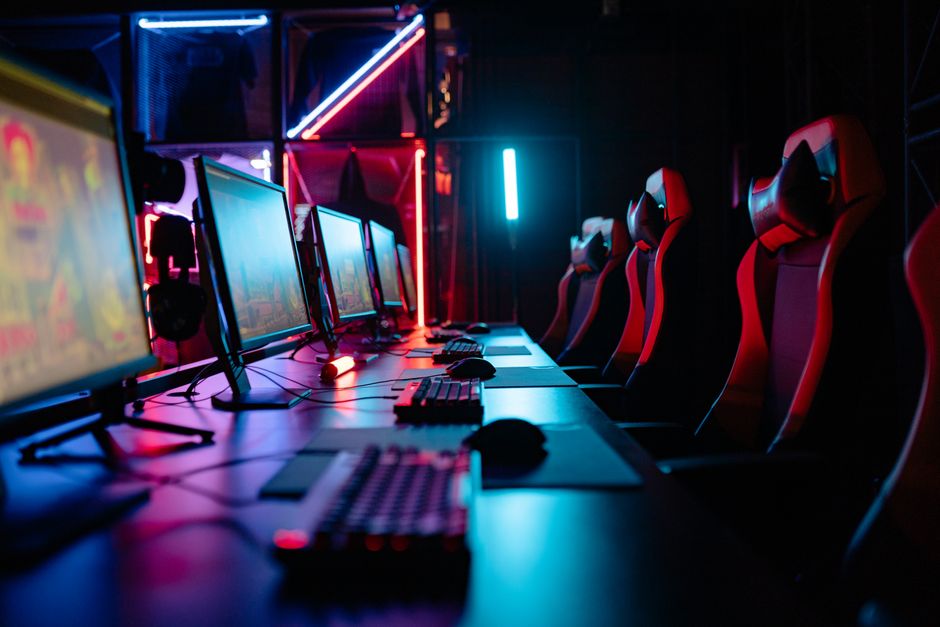
Before you start selecting components for your gaming PC, it’s crucial to understand your gaming needs. Are you into competitive gaming that requires high frame rates, or do you prefer immersive single-player experiences with stunning graphics? Defining your primary use case will help you make informed decisions regarding the components you choose.
For instance, if you’re planning to play graphically intensive games, investing in a high-end graphics card is essential. On the other hand, if your gaming revolves around competitive titles such as League of Legends or Valorant, a focus on CPU performance and fast RAM may take precedence.
Additionally, consider the resolution and refresh rate of your monitor. A 144Hz monitor will require a more powerful GPU to achieve the high frame rates necessary for an optimal experience. By understanding your needs, you can better align your component choices with your gaming goals.
Choosing the Right Components
After defining your needs, the next step is selecting the right components. The main components of a gaming PC include the CPU, GPU, motherboard, RAM, storage, and power supply.
The CPU (Central Processing Unit) is often referred to as the brain of the computer. For gaming, a powerful CPU can help with game performance and multitasking. Popular choices include Intel’s Core i5 or i7 series and AMD’s Ryzen 5 or 7 series.
The GPU (Graphics Processing Unit) is arguably the most critical component for gaming. Options range from budget-friendly models like the NVIDIA GTX series to high-end cards like the RTX 30 series. When selecting a GPU, consider the games you plan to play and your desired resolution. For example, if you aim for 4K gaming, a high-end GPU is necessary.
The motherboard should be compatible with your CPU and have enough slots for RAM and expansion cards. Look for motherboards that offer good connectivity options and support for future upgrades.
When it comes to RAM, aim for at least 16GB for modern gaming, with 32GB being ideal for more demanding applications. Storage is also crucial; an SSD (Solid State Drive) allows for faster load times compared to traditional HDDs (Hard Disk Drives).
Finally, ensure your power supply (PSU) can handle the total wattage of your components. A quality PSU is essential for system stability and longevity.
Assembly Process
Once you have gathered all your components, it’s time to assemble your gaming PC. Begin by preparing your workspace, ensuring you have ample lighting and a clean area to work.
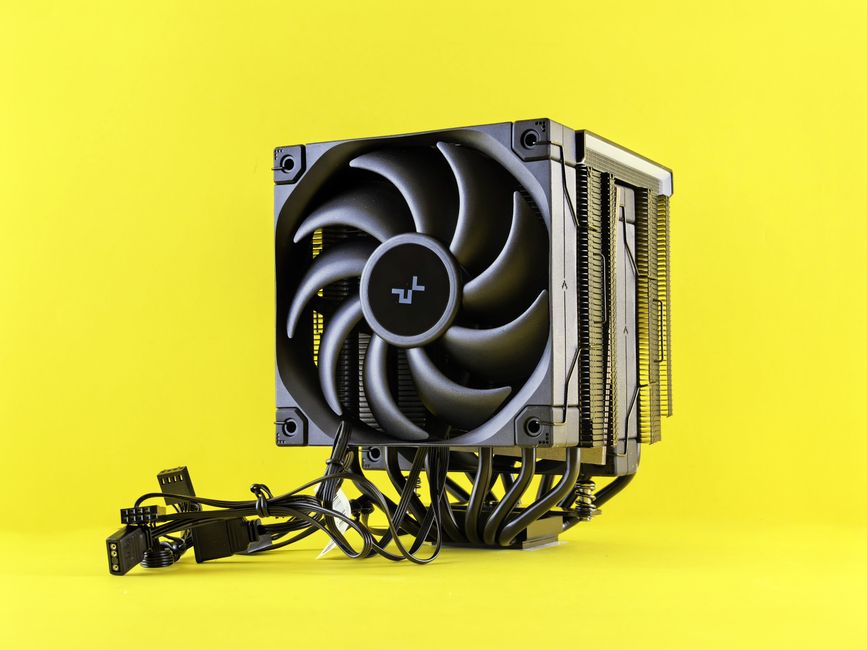
Start by installing the CPU onto the motherboard, followed by the CPU cooler. Next, install the RAM into the appropriate slots, making sure they click into place. Once the motherboard is ready, fit it into the case, securing it with screws.
After the motherboard is mounted, install the power supply and run the necessary cables to the motherboard, GPU, and storage devices. Finally, connect the GPU and any additional storage drives. Make sure to organize your cables neatly to improve airflow within the case.
Once everything is connected, double-check all connections before powering on the system. It’s advisable to run a test boot to ensure all components are functioning correctly.
Software Setup and Optimization
After successfully building your gaming PC, the next step is setting up the software. Begin by installing the operating system, typically Windows, as it supports most games.
Once the OS is installed, you’ll want to install the latest drivers for your hardware, especially the GPU, as manufacturers release updates that can improve performance and stability.
Additionally, consider installing performance-enhancing software such as overclocking tools for your CPU and GPU, which can help squeeze out extra performance. However, be cautious with overclocking, as it can increase heat output and power consumption.
Finally, install your favorite games and any necessary gaming platforms such as Steam or Epic Games Store. It’s also beneficial to keep your software up to date to ensure optimal performance and security.
Maintaining Your Gaming PC
Building your gaming PC is just the beginning; maintaining it is equally important. Regularly cleaning your components, especially the fans and heatsinks, can prevent overheating and ensure longevity.
Monitoring system temperatures and performance is crucial, especially if you have overclocked components. Tools such as MSI Afterburner can help you keep track of these metrics.
Lastly, consider upgrading your components over time. Technology evolves rapidly, and upgrading your GPU or adding more RAM can keep your gaming experience fresh and enjoyable.
For those looking to build a customized system, many resources are available online, including forums and guides. Sites like gaming PC builder can help you select compatible parts and even offer price comparisons.
Conclusion
Building a gaming PC can seem daunting, but with the right knowledge and preparation, it can be a rewarding experience. By understanding your needs, selecting the right components, and following the assembly process carefully, you can create a powerful gaming machine tailored to your preferences. Remember to maintain your system and stay updated on the latest gaming technology to ensure your setup remains competitive.