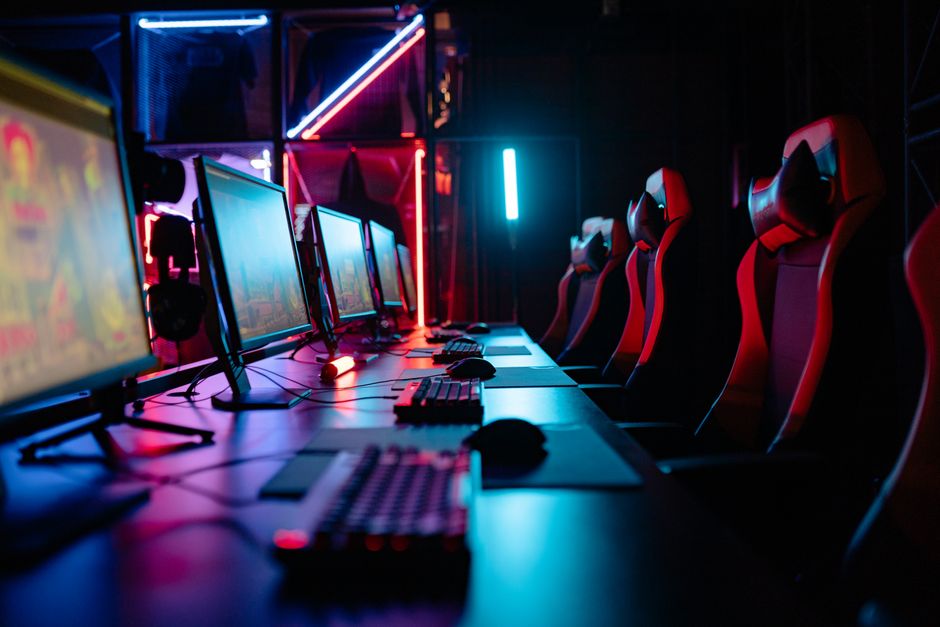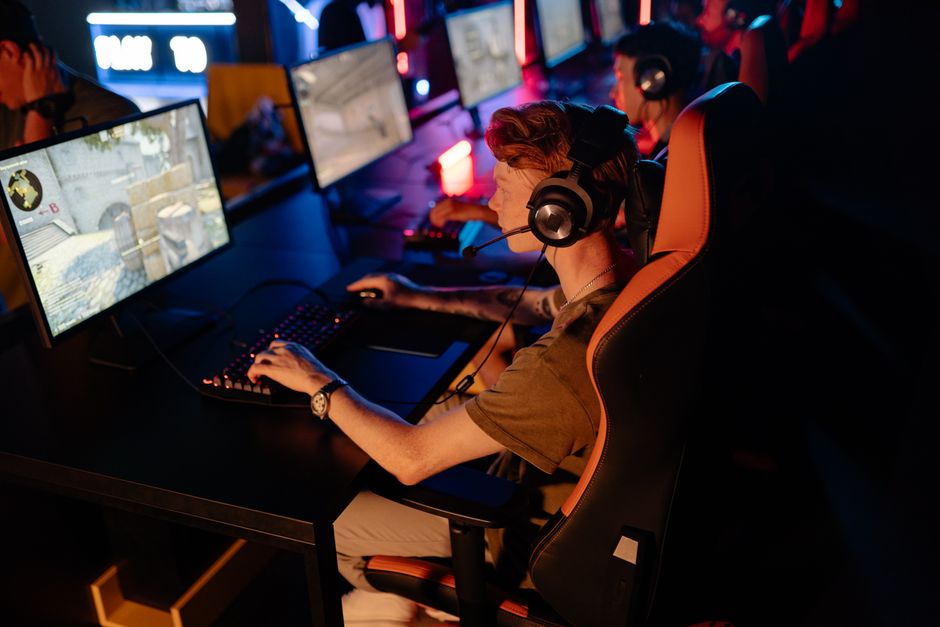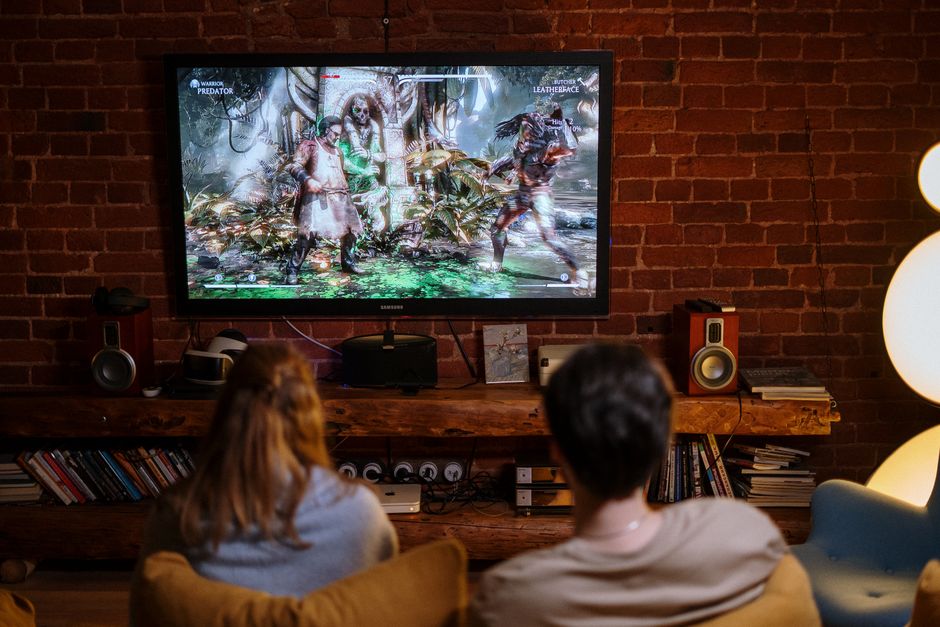

In the world of gaming, having the right setup can make all the difference. Building your own gaming PC not only allows for personalized performance but also provides a sense of accomplishment. This guide will walk you through the essential components, considerations, and steps needed to create the ultimate gaming experience.
Understanding the Basics of PC Building
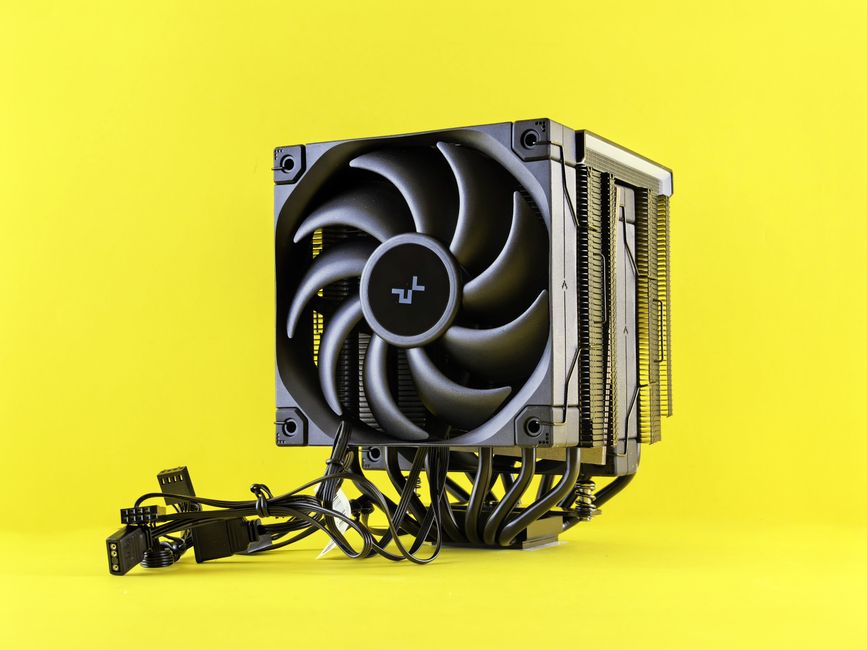
When embarking on the journey of building a gaming PC, it’s crucial to understand the fundamental components involved. A typical gaming PC consists of a processor (CPU), motherboard, graphics card (GPU), memory (RAM), storage, power supply unit (PSU), and a case to house everything. Each component plays a vital role in the overall performance of the system.
The CPU is often referred to as the brain of the computer, handling all the processing tasks. For gaming, a multi-core processor is recommended to manage the demands of modern games efficiently. The GPU, on the other hand, is critical for rendering graphics, making it one of the most important components for gamers.
When selecting components, compatibility is key. Ensure that your motherboard supports the chosen CPU and GPU. Using online resources such as gaming PC builder tools can help you verify compatibility and suggest optimal configurations.
Choosing the Right Components
Choosing the right components can be daunting, especially for first-time builders. Start with the CPU and GPU, as these will significantly impact your gaming experience. Popular choices for CPUs include AMD Ryzen and Intel Core processors, while NVIDIA and AMD dominate the GPU market.
Next, consider the amount of RAM. For most gaming setups, 16GB of RAM is sufficient, but 32GB may be necessary for more demanding applications or multitasking. Storage options have evolved, with SSDs providing faster load times compared to traditional HDDs. A combination of both, utilizing an SSD for the operating system and key games with an HDD for additional storage, is a common practice.
Additionally, don’t overlook the power supply. It’s essential to choose a PSU with a wattage rating that exceeds your system’s requirements to ensure stability and longevity.
Assembling Your Gaming PC
Once you have all your components, it’s time to assemble your gaming PC. Begin by preparing your workspace and ensuring you have the necessary tools, such as a screwdriver and anti-static wrist strap. Start by installing the CPU onto the motherboard, followed by the RAM and CPU cooler.
Next, mount the motherboard into the case and secure it. After that, install the GPU and connect all necessary power cables. Finally, add storage drives and any additional components like case fans. Ensure that all connections are secure and that cables are managed neatly to promote airflow.
After assembly, it’s crucial to perform a test boot. Check that all components are functioning correctly and that the BIOS recognizes them. If everything checks out, proceed to install your operating system and drivers.
Optimizing Performance
After building your gaming PC, optimizing its performance is the next step. Start by ensuring that all drivers are up to date, particularly for the GPU, as manufacturers frequently release updates that can enhance performance and stability.
Consider overclocking your CPU or GPU for additional performance, but do so cautiously. Overclocking increases heat output, so ensure you have adequate cooling solutions in place. Monitoring software can help you keep track of temperatures and performance metrics.
Lastly, regularly clean your PC to prevent dust buildup, which can impede airflow and cooling efficiency. Maintaining a clean and organized system will prolong its lifespan and enhance gaming performance.
Conclusion
Building a gaming PC is a rewarding experience that allows for customization and optimization tailored to individual gaming needs. By understanding the essential components, making informed decisions, and taking the time to assemble and optimize your system, you can create a powerful gaming machine that will serve you well for years to come. With numerous resources available, including gaming PC builder tools, the process has never been more accessible for gamers looking to take their experience to the next level.